
A product designed and built by Lighthearts
Public appBookish
Readers need a home for growing shelves and reading plans. Lighthearts built Bookish to organize books, follow series, and keep reading history together.
The need
Readers and collectors needed a reliable home for the books they own, the series they follow, and the reading history they want to keep.
The people it serves: Readers and book collectors who want a personal home for their books and reading history.
The challenge
Many reading platforms center on ratings, recommendations, and social activity while giving readers limited control over edition details, series relationships, imports, and private records.
Lighthearts’ solution
Lighthearts designed and built a personal library application that connects books, editions, authors, and series with a reader’s collection, reading plans, and history.
Keep the catalog connected
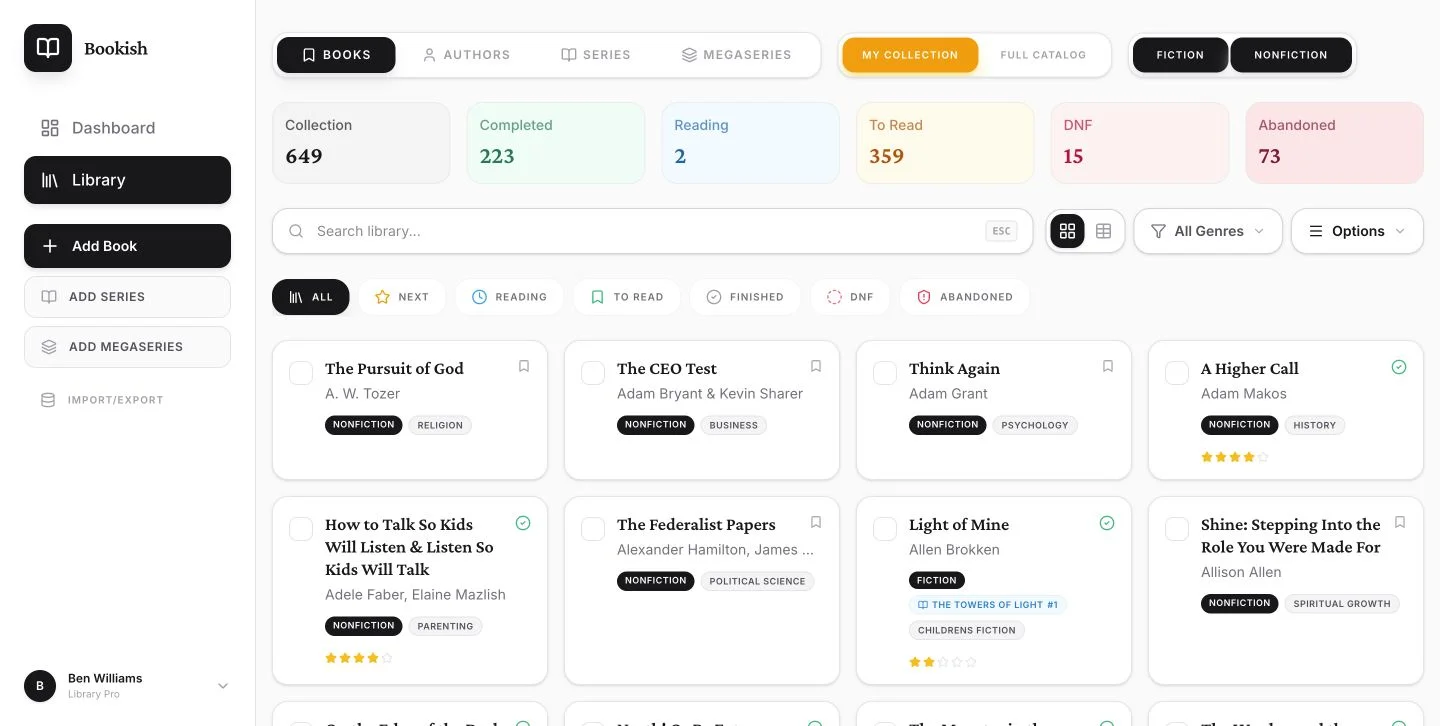
Books, editions, authors, and series relationships give readers a consistent way to organize a collection and follow the next volume.
Support existing collections
Import and catalog-correction tools let readers bring in their records and fix information as they organize their shelves.
Make reading history useful
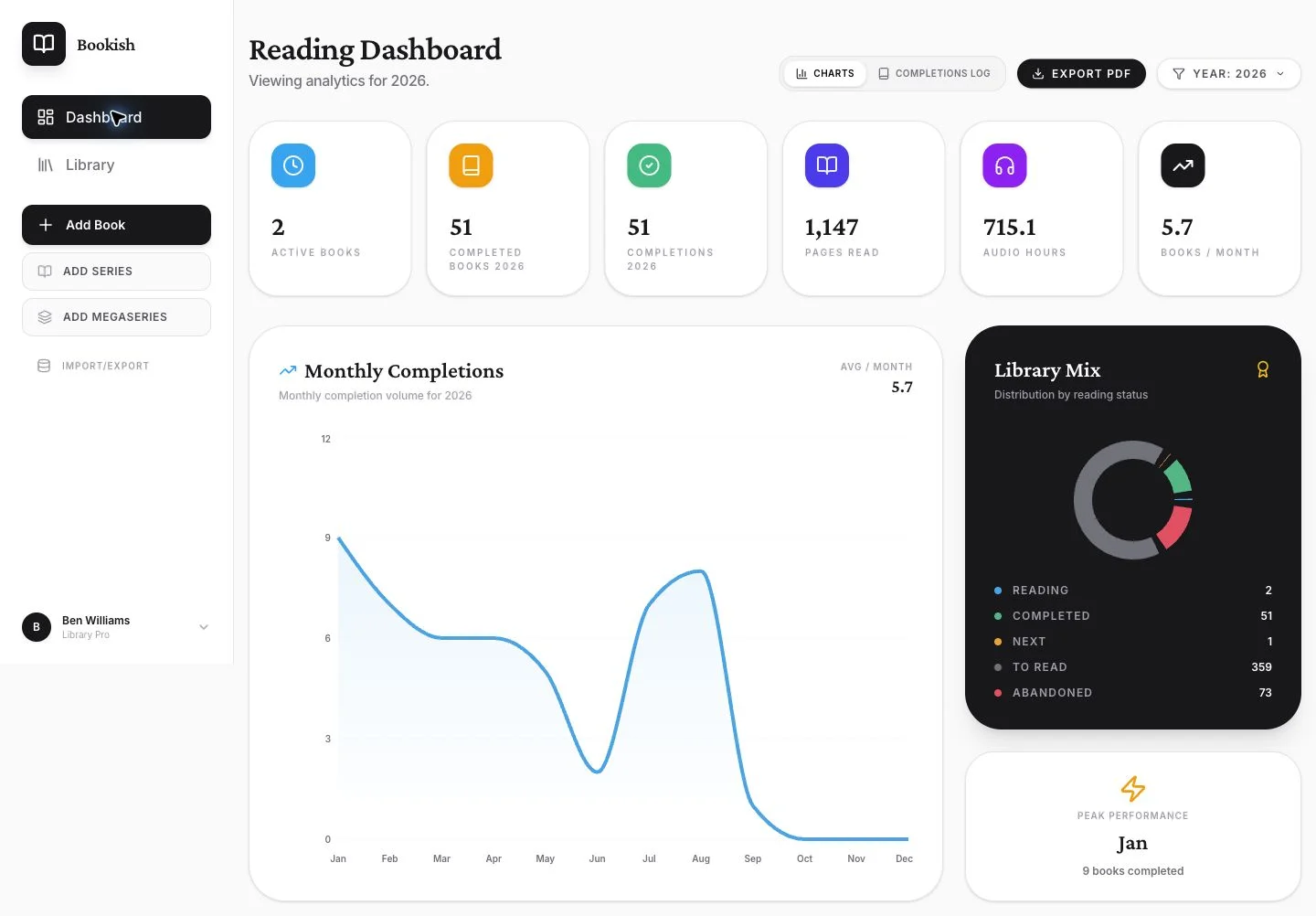
Reading status, completion records, and the dashboard connect everyday tracking with a view of reading patterns over time.
Execution and delivery
Lighthearts developed the catalog model, import and correction workflows, library interface, and reading dashboard. Bookish is publicly available with Google sign-in, and Lighthearts continues to develop the product and its data-quality workflows.
Current status
Available now. Sign in with Google to use your personal library.
Lighthearts’ role
Lighthearts' responsibilities for this project include:
- Product concept & architecture
- Data model & metadata normalization engineering
- Full frontend implementation
- Catalog governance tooling
See the work
Try it for yourself
Open Bookish(opens in a new tab)- Add a book you’re reading now, or bring an existing collection in through Import/Export.
- Set its reading status, then add a few books you’d like to read next.
- As you finish books, record your progress and visit the dashboard to see your reading history grow.
Have a recurring problem that needs a useful tool?
Start with the people, the task, and what’s getting in the way. Lighthearts can help shape the solution.